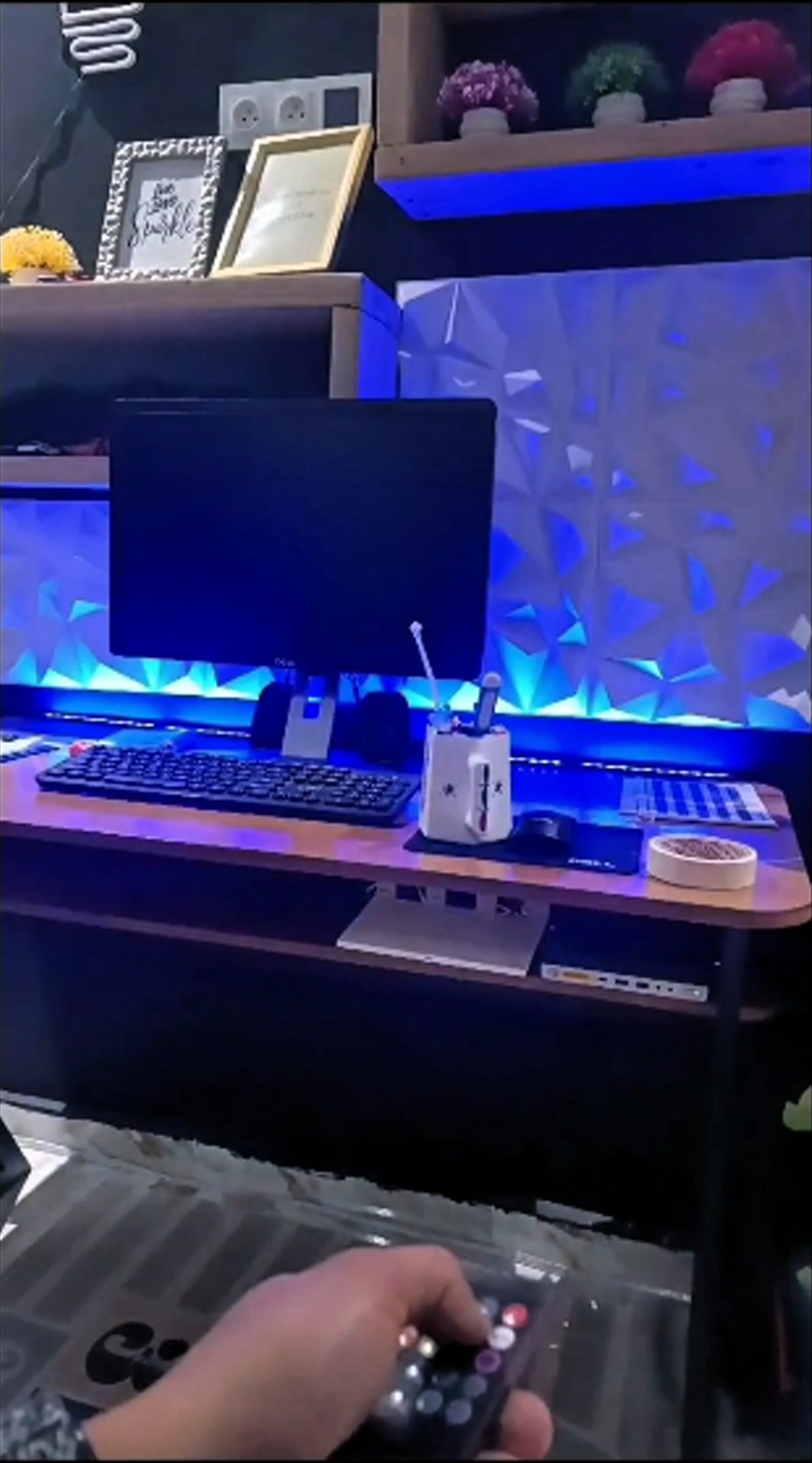
setup content creation
@drisselhammoumyTo set up for content creation, especially for a video like the one you've uploaded, follow these steps : 1. Define Your Content Purpose Identify the Goal: Are you informing, entertaining, or promoting? Know Your Audience: Tailor your message to their interests and needs. 2. Optimize Your Shooting Environment Lighting: Use natural light or soft studio lights to avoid shadows. A ring light works well for personal videos. Background: Ensure it's clean and complements your content. A black wall (as you mentioned earlier) can provide a sleek, modern look. Soundproofing: Use a quiet space and a quality microphone to ensure clear audio. 3. Equipment Setup Camera: A smartphone with a good camera or a DSLR. Tripod or Stabilizer: Keeps the video stable. Microphone: For clear audio (lapel or directional mics are ideal). Lighting Gear: Softboxes, LED panels, or a ring light. 4. Content Structure Introduction: Grab attention with a strong opening (e.g., a question or a bold statement). Main Message: Present your key points clearly and concisely. Call-to-Action (CTA): Direct viewers to like, comment, follow, or visit your website. 5. Recording Tips Use Scripts: Prepare a concise script to stay on track. Test Shots: Check framing, audio, and lighting before starting. Engage: Speak clearly, maintain eye contact, and use gestures. 6. Post-Production Editing Tools: Use apps like Adobe Premiere, Final Cut Pro, or mobile-friendly ones like CapCut or InShot. Add Captions: Helps with engagement and accessibility. Include Graphics: Enhance visuals with overlays or animations. 7. Publish and Promote Optimize for Platforms: Use the correct aspect ratio and resolution for your chosen platform (e.g., 9:16 for Instagram Reels). Use Hashtags: Select relevant hashtags to boost visibility. Engage with Audience: Respond to comments and encourage interaction. Would you like tailored tips for this specific video or a more detailed setup?
#setup #game #gamer #studio #content